
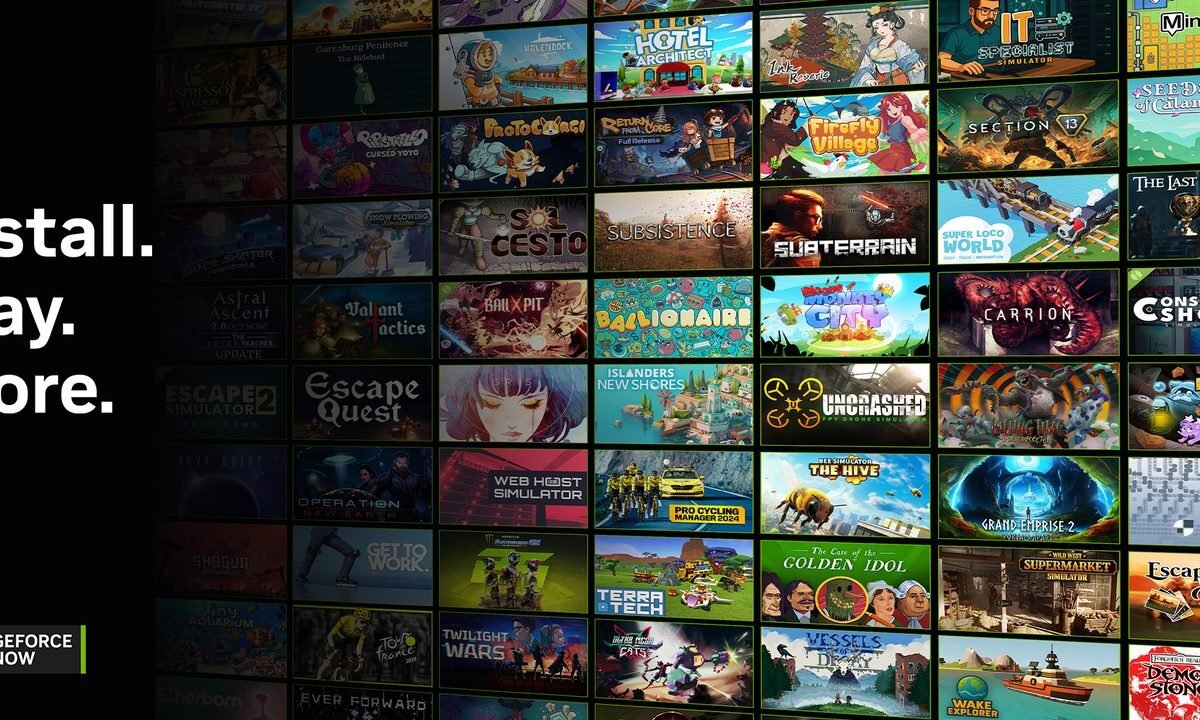
Install-to-Play is a GeForce NOW feature that lets paid members install Steam games they own onto NVIDIA’s cloud storage and play them there. It arrived in September 2025 alongside the service’s Blackwell server upgrade and added more than 2,200 Steam games to GeForce NOW in one go.
The catch is that it only covers games whose publishers have opted in, and you do the installing yourself.
Install-to-Play versus Ready-to-Play
NVIDIA now splits its library into two types. Ready-to-Play games are the ones NVIDIA looks after itself. They’re tested, kept up to date by NVIDIA and launch without any installation step, and they’re the titles announced in the weekly GFN Thursday posts.
Install-to-Play games are titles from your own Steam library that NVIDIA hasn’t preloaded. You install them through Steam inside a GeForce NOW session and manage them yourself. NVIDIA’s terms say compatibility can change at any time.
Which tiers get it, and what it costs
Install-to-Play is limited to paid Performance and Ultimate members. Free members can’t use it, and NVIDIA’s support pages say it isn’t available to Day Pass users without an underlying paid membership, or to gift card and promo users.
Both paid tiers include 100GB of single-session storage at no extra cost. Single session means exactly that: the install is wiped when your session ends, so you download the game again next time.
To keep installs between sessions you need a persistent storage add-on. NVIDIA lists three sizes, priced in US dollars only: 200GB for $2.99 a month, 500GB for $4.99 and 1TB for $7.99. We couldn’t find official UK pricing. Storage is billed with your membership and can be upgraded but not downgraded, and cancelling it deletes everything on the next billing date. Add-ons aren’t currently available to SEPA payment users.
Steam only, and only with publisher opt-in
Install-to-Play currently works with Steam and nothing else. NVIDIA’s FAQ answers that question with a single “Yes”, which is refreshingly brief for an FAQ.
A game only appears if its publisher has opted it in to Steam Cloud Play, Valve’s programme for allowing games on cloud services. The list grows as publishers tick that box.
How to find and use it
The GeForce NOW app has an Install-to-Play section with a See All option, and its filters can show only Install-to-Play games. Game pages carry an Install-to-Play tag, an estimated install size where available, and whether the game supports Steam Cloud saves.
To play, sync your Steam library under Settings and Connections so the app knows what you own. Owned games show an Install button, which opens Steam inside the session. You’ll need to log in to Steam again, then install the game from your Steam library and launch it from there. With persistent storage, the button in the app switches to Play once the game is installed.
Limitations worth knowing
Without persistent storage, every session starts with a download, so a large game means a wait before you play.
Saves depend on the game. Titles with Steam Cloud saves keep progress between sessions either way. For games without them, NVIDIA recommends persistent storage, and its terms warn that saves are at much greater risk otherwise. If your membership lapses or a payment fails, your storage and NVIDIA cloud saves are lost, though Steam Cloud saves should survive.
Updates are your job too, since NVIDIA only promises to keep Ready-to-Play games up to date. Persistent storage is also tied to one server location, which may differ from where your Ready-to-Play games stream, and changing it wipes your Install-to-Play data. NVIDIA Reflex isn’t supported on Install-to-Play games, and titles that don’t work may be retired from the service.
What “Opted In” means on cloudy.games
On our game hubs, an “Opted In” status means the publisher has allowed the game on GeForce NOW, but NVIDIA hasn’t added it to the Ready-to-Play library yet. In practice, paid members who own it on Steam can usually play it through Install-to-Play already, or from launch if the game isn’t out yet.



Comments (1)