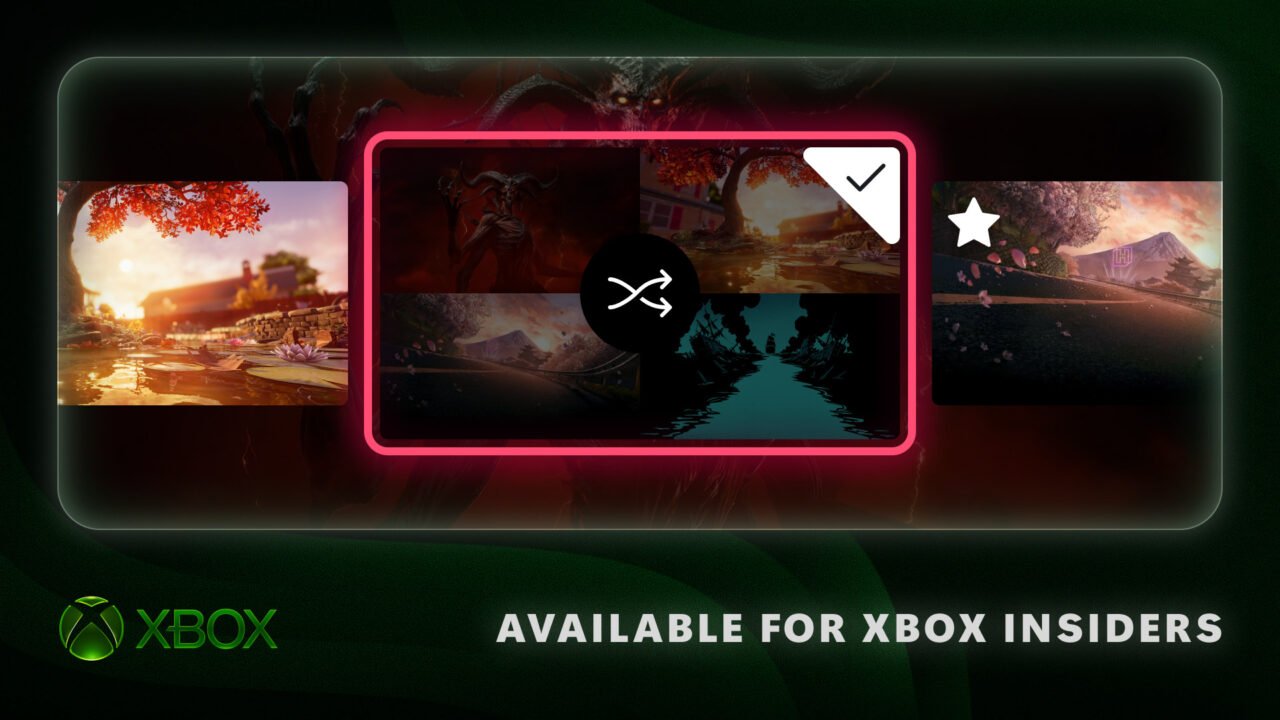
Xbox Insiders in the Alpha Skip-Ahead ring can now rotate Home backgrounds, change how disc-to-digital games appear in the library, and move the Guide to the left or right of the screen. Xbox says Alpha Skip-Ahead members can try them first, and that the updates will come to more Insiders and players over time.
The details are in a 12 November Xbox Wire post from Eden Marie, Principal Software Engineering Lead, and Judy Chen, Senior Product Manager. Official sources do not give a public rollout date beyond that staged plan.
Rotating Home backgrounds
Insiders can save favourite dynamic backgrounds and shuffle through them automatically, so Home can change without picking a new image each time. To save a favourite, go to Settings > General > Personalization > My background > Dynamic backgrounds > Dynamic backgrounds, choose a background, and press X. It then appears in a new Favorites category.
If a controller has an exclusive background, such as the Xbox Wireless Controller X25 Special Edition, saving that background as a favourite lets you keep using it even when the controller is not connected. You can also choose Shuffle at the start of any background category, and set it to change each time you sign in, or hourly, daily or weekly. Shuffle can run through your favourites or a whole category.
Library options for disc-to-digital licences
Since August, Xbox players have been able to claim a digital licence for disc-based games. Insiders who have done that will now see those games in a separate category in their full library. If you would rather keep them with your other owned games, you can switch back in Settings > General > Personalization > Games & apps. From the same page, you can also hide the digital licence icon on game tiles.
Move the Guide to either side
The Guide can now open on the left or the right of the screen. Pick a side in Settings > General > Personalization > Guide.
Xbox is asking Insiders for feedback, including through Xbox Player Voice. If you are not in the programme yet, Xbox says you can join by downloading the Xbox Insider Hub on Xbox Series X|S, Xbox One or Windows PC.
What Xbox players need to know
- What’s new: Rotating / shuffle Home backgrounds, library options for claimed digital licences of disc-based games, and a left- or right-hand Guide
- Who has it first: Xbox Insiders in Alpha Skip-Ahead, from 12 November 2026. Xbox says it will come to more Insiders and players over time
- Public date: Not stated
- Backgrounds: Settings > General > Personalization > My background > Dynamic backgrounds > Dynamic backgrounds (press X to save a favourite; Shuffle can run on sign-in, hourly, daily or weekly)
- Library: Settings > General > Personalization > Games & apps
- Guide: Settings > General > Personalization > Guide
Team left or team right for the Guide? Tell us on X or Facebook.