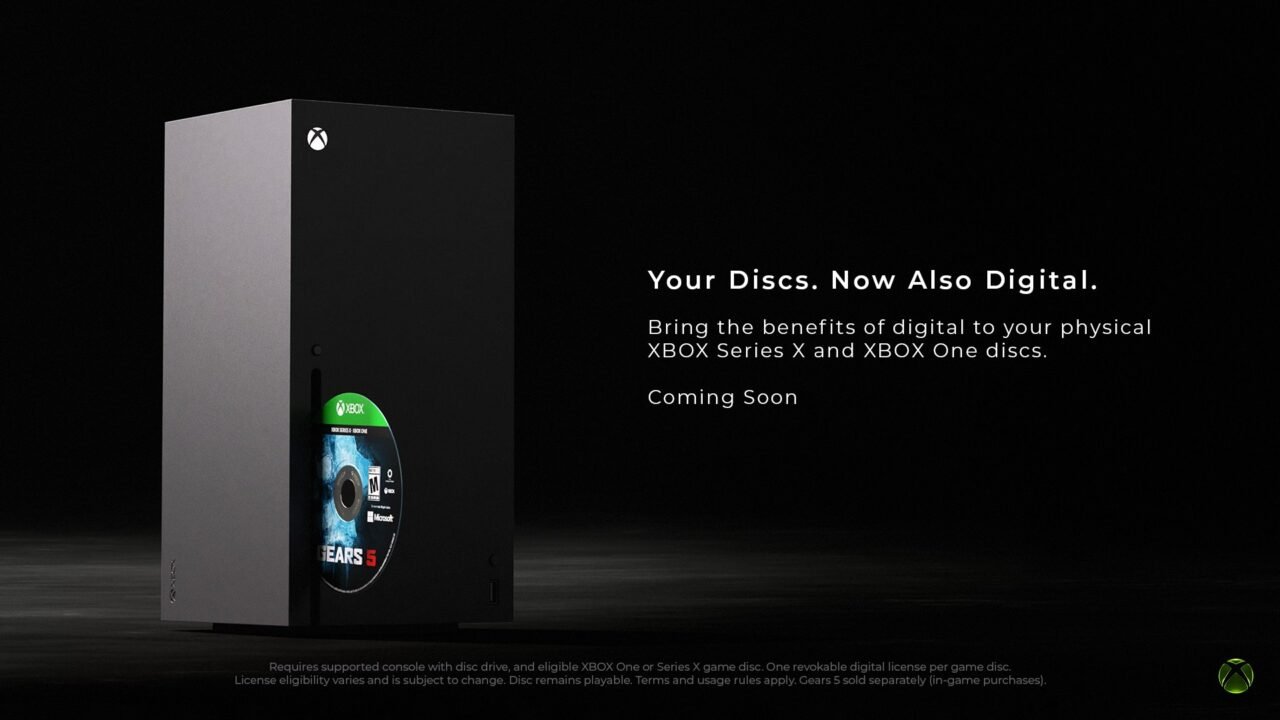
Disc to digital licensing gives you a digital licence for many of the Xbox One and Xbox Series X game discs you already own. Once you’ve claimed it, you can play the game without the disc in the drive, and use digital features such as Xbox Play Anywhere and Xbox Cloud Gaming where the game supports them. Your disc keeps working exactly as before.
Which discs work with disc to digital?
- Most Xbox One and Xbox Series X game discs are supported, starting with thousands of games, with more to be added over time.
- Original Xbox and Xbox 360 discs are not supported.
- Not every Xbox One or Xbox Series X disc is eligible. Eligibility can change over time and depends on technical, licensing, publishing and manufacturing factors.
- Any Xbox console with a disc drive can claim a licence, so you can claim an Xbox Series X disc on an Xbox One.
- For multi-disc games, always use disc one. The other discs can’t be used to claim a licence.
How to claim a digital licence for a disc
The simplest way is to play the game. Insert a supported disc while you’re signed in and launch the game. A confirmation appears to tell you that you’ve received the digital licence. If you don’t see one, either the disc isn’t supported or you’ve already claimed it.
How to claim lots of discs quickly
If autoplay is on, each game starts installing when you insert the disc, which slows things down. Turn autoplay off first:
- Press the Xbox button and go to Profile & system > Settings.
- Go to Devices & connections > Disc.
- Deselect the Play disc automatically box.
Then go back to Home and claim each disc by hand:
- Insert the disc.
- Highlight the game’s box art on Home and press the Menu button.
- Select Get digital licence.
- Select Claim.
- Wait for the notification that you’ve received your digital licence, then eject the disc and insert the next one.
When you’ve finished, you can turn Play disc automatically back on using the first set of steps.
How to find your disc to digital games
- Press the Xbox button and go to My games & apps > See all.
- Go to Full library > All games.
- Games you own through disc to digital licensing have a disc to digital licensing badge.
Playing your disc to digital games on PC and handhelds
If the game is an Xbox Play Anywhere game, claiming the licence on your console also lets you play it on Windows PC and handhelds. Open the Xbox app and go to My Library. Supported games have the disc to digital licensing badge and can be installed from there. Our Xbox Play Anywhere explainer covers how Play Anywhere works.
What happens if you sell or lose the disc?
The digital licence is tied to the disc. If you lose, sell, give away or otherwise no longer have the disc, your access to the digital licence may be limited or revoked. To get it back, you’ll need to either get the disc back and play it while signed in, or buy the digital version from the Microsoft Store.
To see disc to digital licences you no longer have access to, go to Settings > General > Personalisation > Games & apps. Since the October 2026 update, this opens on the console instead of in a web page.
Disc to digital error messages
- No confirmation when you play the disc: make sure you’re signed in. If there’s still no confirmation, use the manual claim steps above to see a more detailed message.
- This disc doesn’t support a digital licence: you can’t claim a licence for that disc. Causes include a damaged disc, content that’s no longer available for the disc, or technical limits linked to when and where the disc was made.
- We couldn’t give you a digital licence: a licence can’t be granted right now. Try again later.
- Disc licence unavailable: the game isn’t taking part in disc to digital licensing.
- Digital licence unavailable when launching an installed game: check you still have the disc. You may need to insert it again to reclaim the licence.
Disc to digital FAQ
Can I still play the disc?
Yes. The disc carries on working after you’ve claimed the digital licence.
Do I get the add-ons from an Ultimate Edition disc?
For eligible games, content on the disc itself may be included. Promotional items, DLC or anything that came with a separate code in the case is covered by that code’s terms and may not be included.
Do I still need special peripherals?
Yes. A digital licence doesn’t change a game’s peripheral requirements, and you can only play on devices that support both the game and the peripheral.
The full rules are on Xbox Support’s disc to digital licensing page.