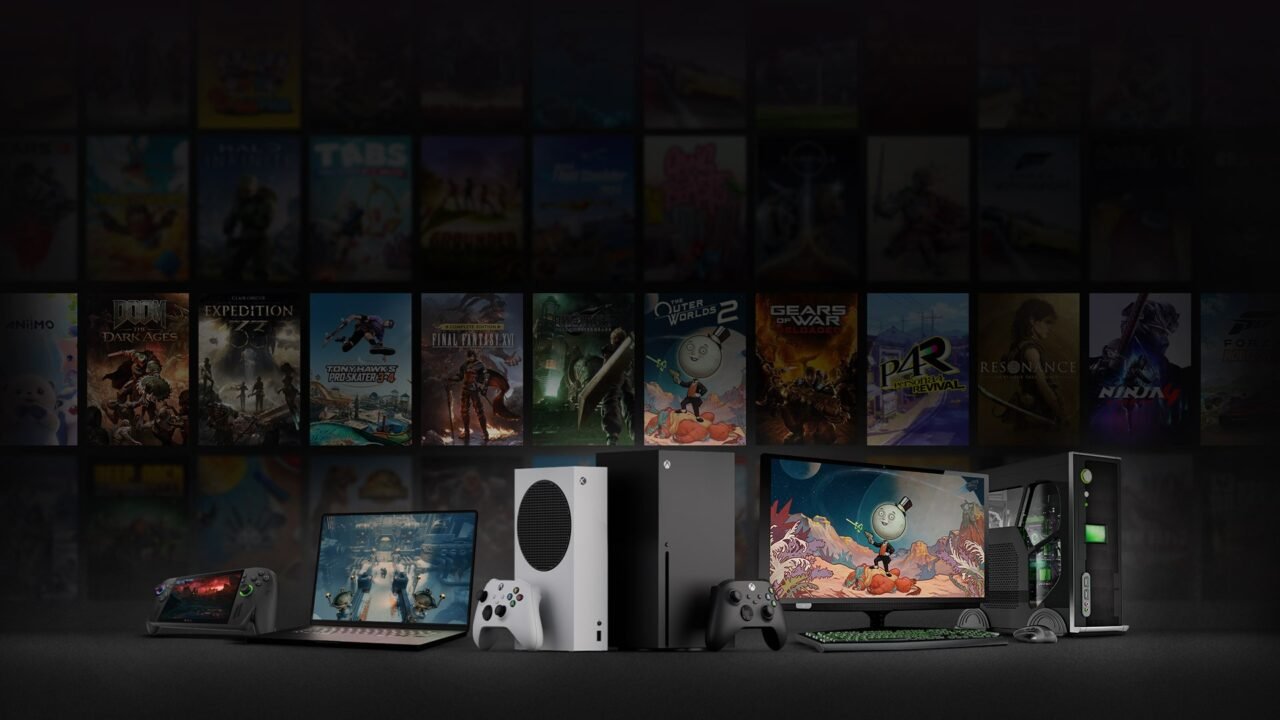
Xbox Play Anywhere is Microsoft’s programme that lets you buy a supported digital game once and play it across the Xbox ecosystem without buying it again. It covers Xbox consoles, Windows PCs and supported gaming handhelds, with your progress travelling with you. It costs nothing extra.
What It Actually Gives You
When a game carries the Xbox Play Anywhere badge, one digital purchase on the Xbox Store or Microsoft Store unlocks both the console version and the Windows version, as long as you use the same Microsoft/Xbox account. You also get:
- Cross-progression: your progress is saved with Xbox, so you can stop on your Series X and pick up on PC (or a supported handheld) where you left off.
- Shared add-ons and DLC: add-ons, season passes, consumables and in-game unlocks you buy or earn follow your account across devices.
- Shared achievements and Gamerscore: you earn one shared set, not two.
It does not automatically include cross-play (playing multiplayer with people on different platforms). That is a separate feature and isn’t required for Play Anywhere.
Supported Devices
- Xbox consoles: Xbox Series X|S, plus Xbox One for games that still support it
- Windows 10/11 PCs, through the Xbox app and Microsoft Store (Windows 10 Anniversary Update or later)
- Windows 11 gaming handhelds, such as the ROG Xbox Ally and ROG Xbox Ally X
Not every Play Anywhere game runs on every console. Many newer releases are Xbox Series X|S and PC only, so check the store page. On console, eligible games show as “Ready to Install” under “My Games and Apps”. On PC or a handheld, they show up in the Xbox app’s My Library.
How to Use It
- Confirm the game has the Xbox Play Anywhere badge on its store page (console, Xbox app or xbox.com).
- Buy it digitally while signed in with your Xbox account, or redeem a digital code from a participating retailer.
- Sign in with the same account on any other supported device.
- Install and play. Cloud saves handle the rest.
You can only be signed in to the same game on one device at a time. Physical discs do not unlock the PC version.
Current Scale
The official Xbox Play Anywhere page lists “1,000 games and growing”, with more added most months. October 2026 alone brought major releases such as Gears of War: E-Day, Final Fantasy Resonance and Call of Duty: Modern Warfare 4.
First-party Xbox games are heavily represented, and third-party support continues to expand. Older titles sometimes gain Play Anywhere support years after launch. Cyberpunk 2077, for example, picked it up on 22 October 2026, nearly six years after launch.
Important Limitations
- Only digital copies qualify: bought on the Xbox Store or Microsoft Store, or through a digital code from a participating retailer. Copies from other PC stores, such as Steam, aren’t covered.
- Game Pass access is temporary and does not equal permanent ownership.
- Not every Xbox game is Play Anywhere, so always check the badge.
- Performance, graphics settings and available features can differ between the console and PC versions.
Xbox Play Anywhere is one of the cleaner cross-device ownership systems around. For anyone who splits their time between a console, a gaming PC and a handheld, buying once and keeping saves, achievements and add-ons in sync removes a common annoyance. Check the badge before you buy, stay signed in to the same account, and the rest mostly works automatically.
Got a Play Anywhere question we haven’t covered? Ask us on X or Facebook.