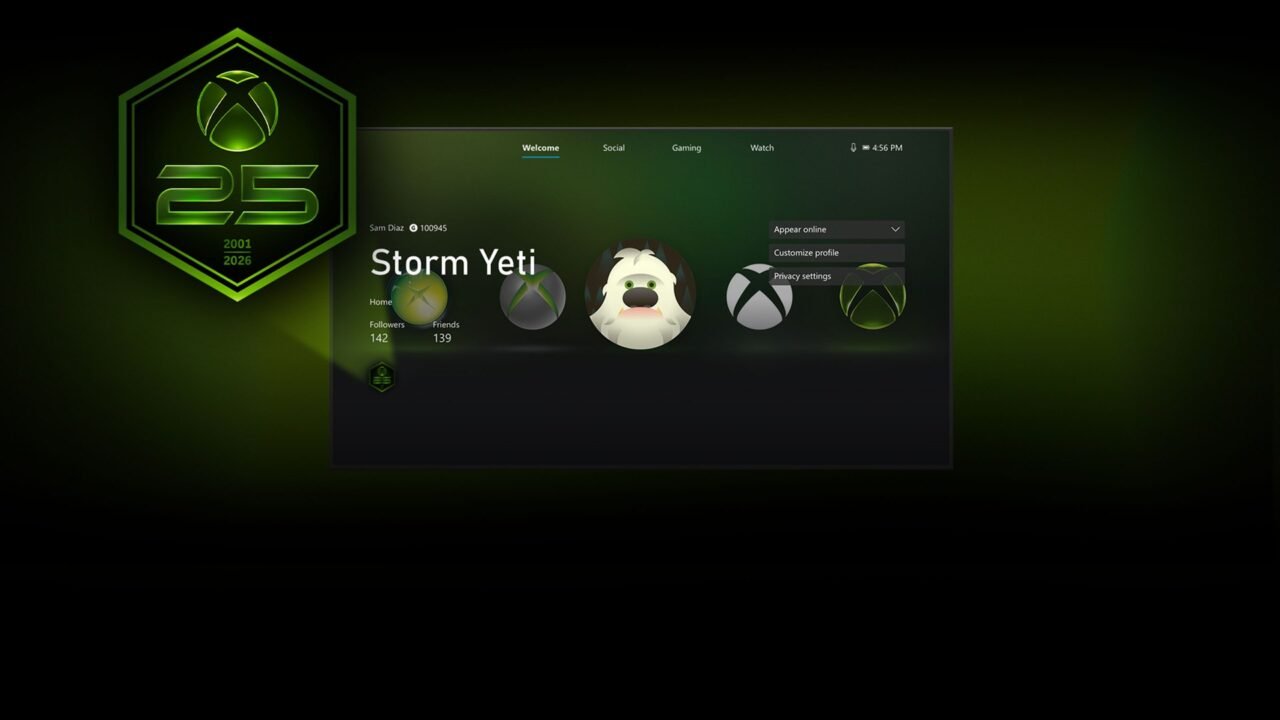
Xbox is giving every player a free Xbox 25th Anniversary profile badge, and getting it takes one step: sign in. It’s available until the end of 2026.
Everything announced for Xbox’s 25th anniversary
How to get the badge
- Sign in to your Xbox account on an Xbox console, on PC, or in the Xbox mobile app.
- Receive the badge. Signing in is all it takes for the badge to be given to your account.
- Show it off. Once you have it, you can display the badge on your Xbox profile.
That’s it. Any one of the three counts, so you don’t need to sign in on all of them.
When can you get it?
The badge has been available since 24 August 2026, and it stays available until the end of 2026. Xbox calls it a limited-time badge, so sign in before the year is out if you want it.
It marks Xbox’s 25th anniversary on 15 November 2026. The design is a green hexagon with the Xbox logo, a large “25” and the years 2001 and 2026.
Free anniversary gamerpics and themes
Xbox also released a free set of gamerpics, backgrounds and a dynamic theme made by two community creators, Klobrille and Ben Kenobi. Here’s where to find them:
- Console gamerpic or theme: Settings › Profile › Customize profile.
- Console dynamic background: Settings › General › Personalization › My background › Dynamic background.
- Xbox app on PC, gamerpic: open View Profile and select the pencil icon over your current gamerpic.
- Xbox app on PC, theme: open View Profile › Customize profile and choose your theme.
For the X25 controller and console, FanFest Seattle and the anniversary Game Pass collections, head to our Xbox 25th anniversary page.
Got the badge on your profile? Tell us on X or Facebook.