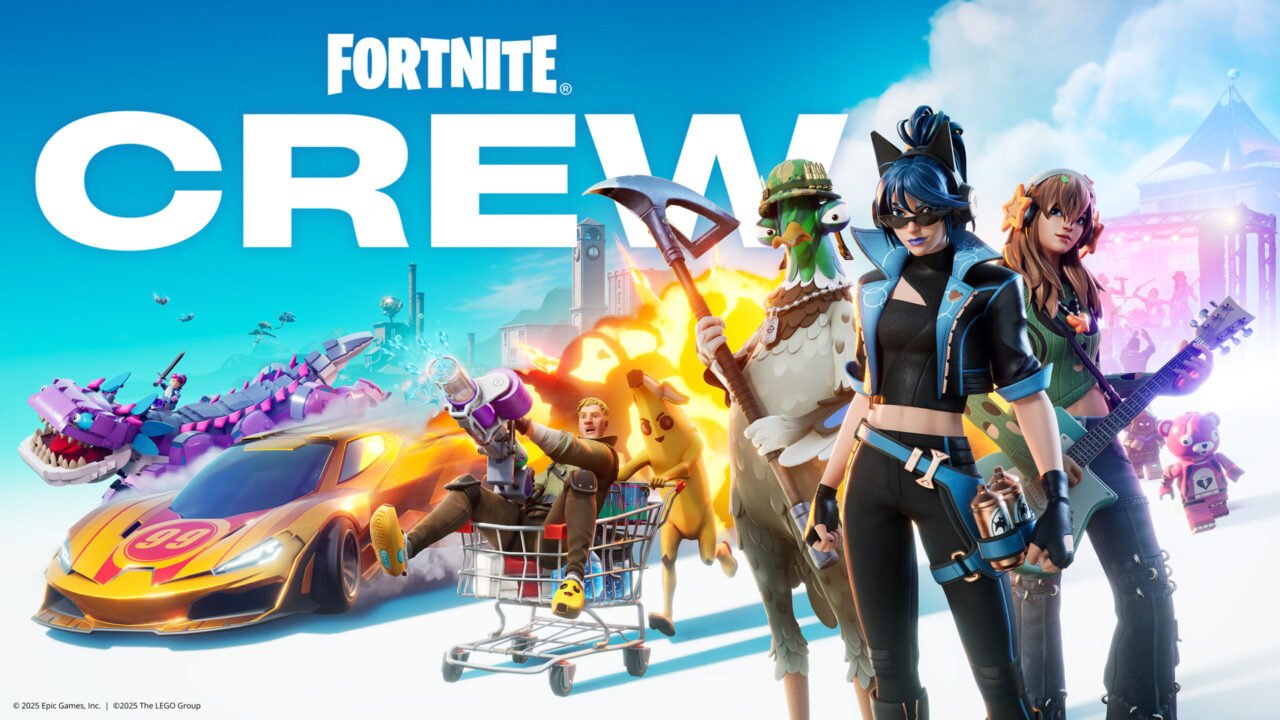
Fortnite Crew has been part of Xbox Game Pass Ultimate since 18 November 2025. If you’re an Ultimate member, you don’t need to buy it separately. There’s no code to redeem: you just have to sign in to the game with your Xbox account. Here’s how to start getting your Crew rewards, and what happens if you already pay for Fortnite Crew.
Which Game Pass plans include Fortnite Crew?
Only Xbox Game Pass Ultimate includes Fortnite Crew. Other Game Pass plans don’t. The benefits are the same as subscribing to Fortnite Crew on its own. For a breakdown of each plan, see our guide to Xbox Game Pass tiers.
How to claim Fortnite Crew with Game Pass Ultimate
- Make sure you’re signed in with the Xbox account that has Game Pass Ultimate.
- Launch Fortnite or Rocket League on an Xbox console, Xbox on PC, Xbox Cloud Gaming or a supported gaming handheld.
- If you haven’t played either game with this Xbox account before, launching it links your Xbox account to your Epic Games account.
- Once your accounts are linked, your Fortnite Crew rewards start arriving.
Sign in at least once a month. To receive Rocket Pass Premium, you must sign in to Fortnite at least once per month on Xbox console, Xbox on PC, Xbox Cloud Gaming or a supported gaming handheld.
What’s included in Fortnite Crew
When the benefit launched, Fortnite Crew included:
- Fortnite Crew Pack: a monthly Crew-exclusive Outfit plus at least one matching accessory.
- Passes: premium rewards from the Battle Pass, OG Pass, LEGO Pass and Music Pass as you level up.
- 1,000 V-Bucks every month.
- Rocket Pass Premium in Rocket League.
Rocket Pass Premium is a Bonus Benefit. Bonus Benefits are only guaranteed for the current edition of Fortnite Crew, and they can change from month to month or be discontinued. Check the Fortnite Crew subscription page for this month’s contents.
If you already have Fortnite Crew
If you already subscribe to Fortnite Crew on Xbox console or Xbox on PC, joining Game Pass Ultimate cancels that subscription automatically. You don’t need to cancel it yourself first.
If you later cancel Ultimate or move to a different Game Pass plan, you’ll need to resubscribe to Fortnite Crew separately after your Ultimate membership ends. To do that, launch Fortnite on Xbox console or Xbox on PC and follow the in-game instructions.
Troubleshooting
I’m not getting Crew rewards
- Check you’re on Game Pass Ultimate, not another plan.
- Launch Fortnite or Rocket League while signed in with the Xbox account that has Ultimate, so the account links to Epic Games.
- Fortnite Crew is available in all Game Pass Ultimate markets except Hong Kong and Taiwan.
The wrong Xbox account is linked to Epic Games
Epic Games Support explains how to change the console account linked to your Epic Games account. Switching to a different Xbox account doesn’t give you earlier Crew Packs, V-Bucks or Passes, only current and future benefits.
Do Xbox family settings apply?
Yes. Screen time limits, content filters and adult purchase approval apply to Fortnite and Rocket League on Xbox consoles and Xbox on PC. You can manage them in the Xbox Family Settings app or at family.microsoft.com. Epic Games also has its own parental controls.
For the full details, see Fortnite Crew with Xbox Game Pass FAQ.