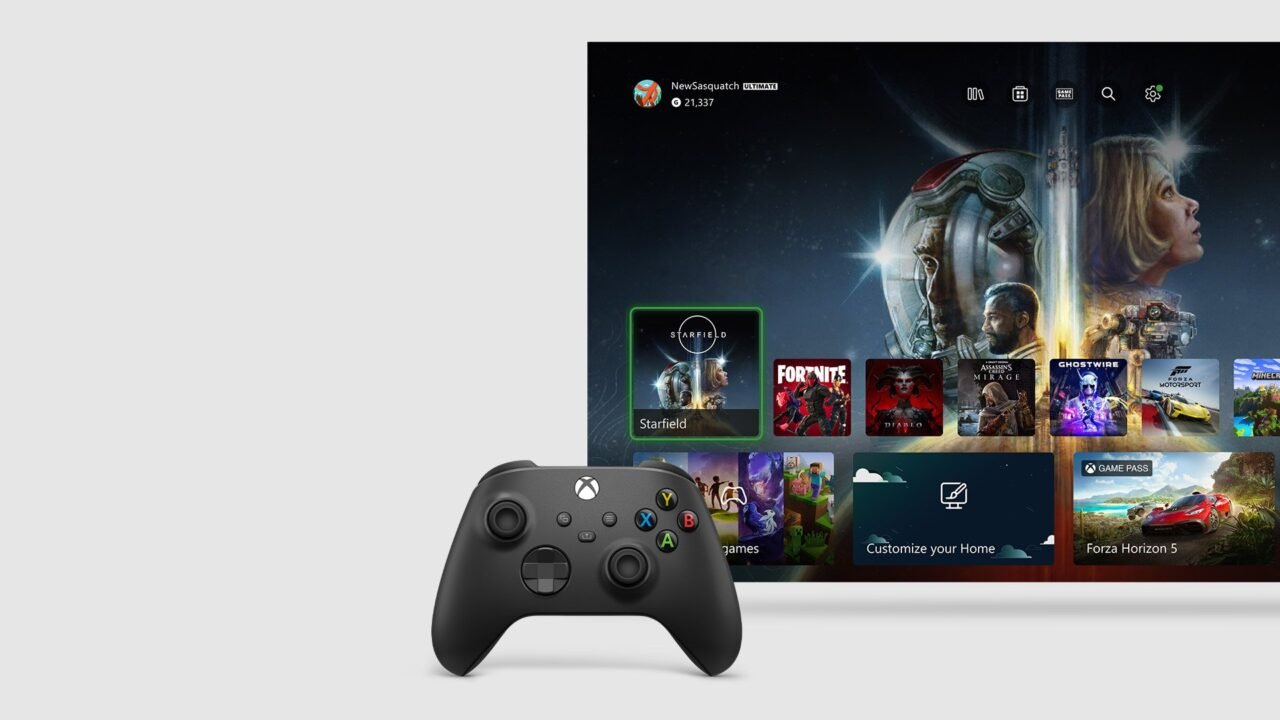
You can cancel Xbox Game Pass, or any other Xbox subscription, at any time from your console or a web browser. Cancelling turns off recurring billing: you won’t be charged again, and you keep your benefits until the subscription’s expiry date. In some cases you can also cancel immediately and get a refund. Here’s how to do both.
How to cancel Game Pass on your Xbox
- Press the Xbox button to open the guide.
- Go to Profile & system > Settings > Account > Subscriptions.
- Choose the Game Pass subscription.
- Select Cancel subscription and follow the steps. If you’re eligible, you may be offered a refund.
The same Subscriptions screen shows your plan, expiry date, billing history and subscription status, and lets you change how you pay.
How to cancel Game Pass on the web
- Go to account.microsoft.com/services on your phone or computer.
- Sign in with the Microsoft account you used to buy the subscription. It’s important to use that account.
- Find your Game Pass subscription and select Manage.
- Select Cancel subscription and follow the instructions.
- If you’re eligible for a refund, you’ll see an option to cancel immediately with a refund. If not, turning off recurring billing still stops the next charge.
See “Turn on recurring billing” instead of “Manage”? Then your subscription is already set to expire on the date shown, and you won’t be charged again. You can keep using it until then.
Can I get a refund?
Xbox’s subscription refund policy covers two situations:
- New subscriptions: you can get a refund within 30 days of your first purchase, or before your first recurring billing date, whichever comes sooner.
- Renewals: you can get your most recent recurring charge refunded if you cancel within 30 days of that payment. You can only do this once per Microsoft account, per Xbox subscription product.
You must request either refund through the cancellation steps above. Requests made any other way aren’t eligible. The policy doesn’t apply to prepaid subscription codes bought from shops, which follow the retailer’s own return policy. Some countries also give a right to a prorated refund; Xbox subscription cancellations and refunds lists them.
Troubleshooting
I don’t see an option to cancel
If you see an option to renew or turn on recurring billing, your subscription has already expired or is set to expire on the date shown. You won’t be charged after that date.
I’m being charged but can’t find the subscription
Your payment method may be linked to another Microsoft account with an Xbox subscription, such as someone in your Xbox family group. Sign in to each account linked to that card and check its subscriptions.
I pay for someone else’s Game Pass
The owner of the Microsoft account with the subscription has to sign in and cancel it, on console or on the web.
I bought Game Pass through another company
If a third party bills you for the subscription, contact them about cancelling and refunds.
My Game Pass price changed
Xbox will tell you at least 30 days before a new price takes effect, so you have time to cancel first. Otherwise, the new price applies from your next billing date. A price can also change when a trial or promotional rate ends and the subscription renews at the full rate.
Not sure which plan to switch to instead? See our guide to Xbox Game Pass tiers.