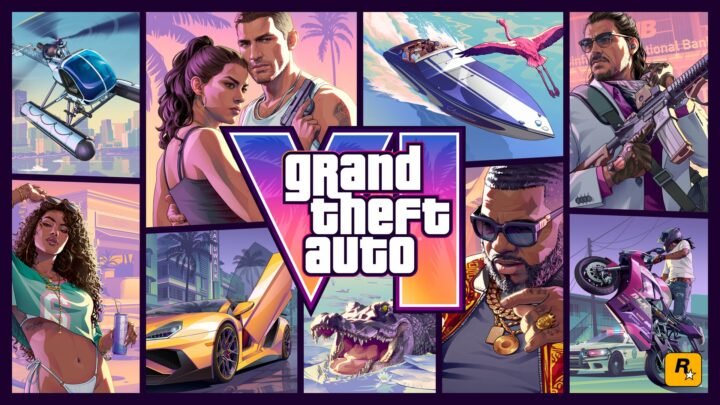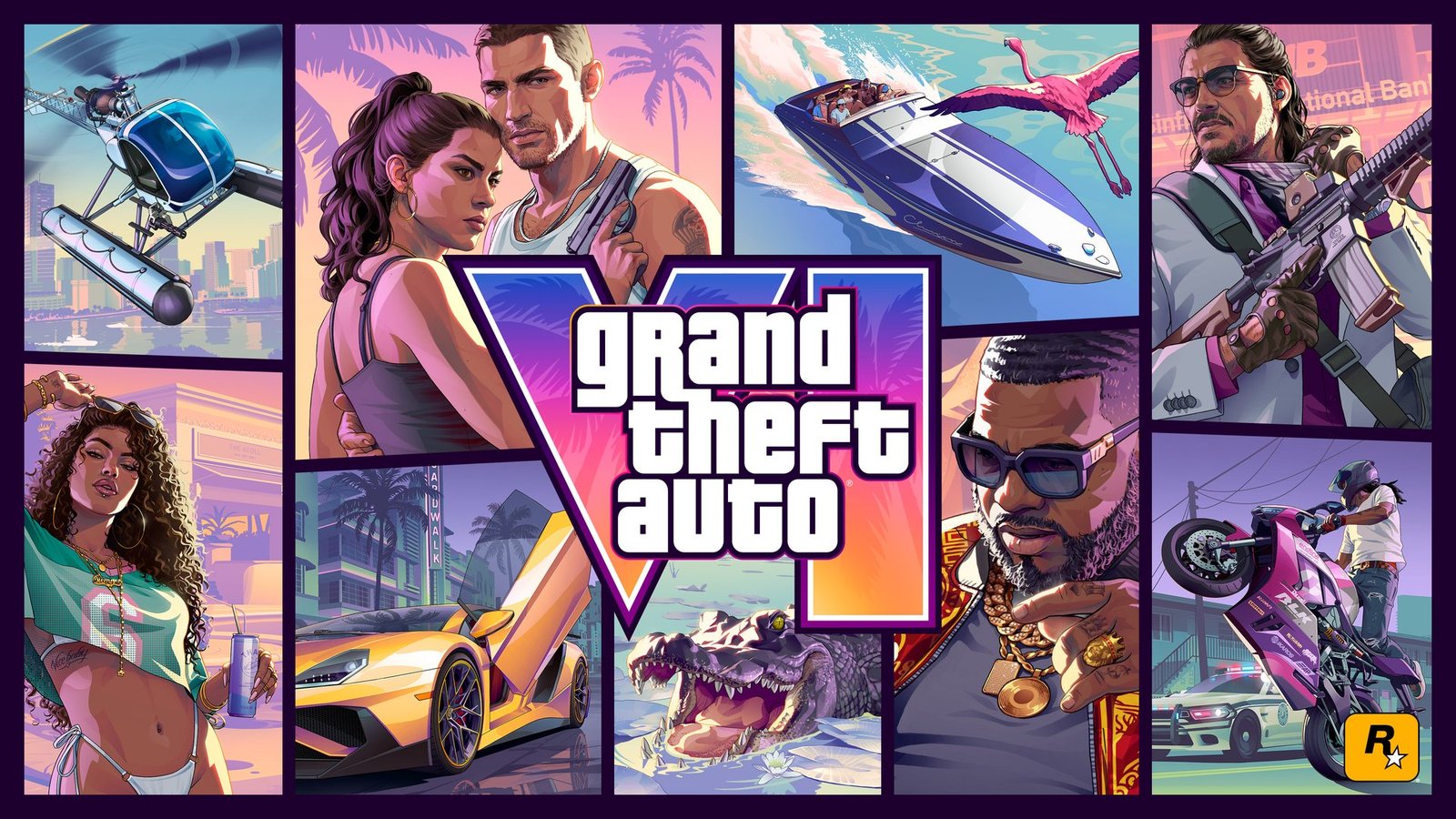
With Grand Theft Auto VI now live across Xbox Series X|S following its historic 99 Metacritic debut, players on both consoles are asking the same three practical questions. How much SSD space does it eat, what frame rates does it target, and how well does the smaller Xbox Series S actually hold up in Leonida?
Storage Size on Xbox Series X and Xbox Series S
Like every modern Rockstar Games release, Grand Theft Auto VI demands a hefty chunk of your internal NVMe SSD or official Storage Expansion Card. Make sure you have roughly 150 GB free before starting your download. While Xbox Series X owners with a 1 TB drive have some breathing room, Xbox Series S players on the older 512 GB model will almost certainly need to archive one or two other major games onto an external USB drive to make space.
Remember that current gen Xbox Series X|S titles cannot launch directly from standard USB hard drives, so keeping GTA 6 on the internal SSD or an expansion card is mandatory.
Resolution and Frame Rate Targets
On Xbox Series X, Rockstar pairs high resolution 4K output with crisp ray traced reflections, dense neon lighting across Vice City, and packed pedestrian and traffic simulation throughout Leonida. Quality mode prioritizes maximum visual fidelity and draw distance at a locked 30 fps, while Performance mode scales resolution dynamically to deliver smoother frame rates during high speed chases and chaotic shootouts.
Over on Xbox Series S, the console targets a lower internal resolution (typically 1080p to 1440p upscaled) with pared back shadow quality, ray tracing, and crowd density. Crucially, Rockstar keeps frame pacing remarkably steady at 30 fps so driving and gunplay remain responsive rather than stuttering through dense downtown intersections.
Display Settings and Which Console Should You Play On?
If you own an Xbox Series X paired with a 4K 120Hz or VRR television, Performance mode is the easiest everyday recommendation for driving and gunfights, while Quality mode shines if you want maximum visual detail for screenshots and story cutscenes. For Series S owners, leaving the console on its default visual preset keeps frame pacing consistent without turning distant buildings into blurry soup. If you still want to catch up on our GTA 6 review roundup, critics praised both console versions’ technical polish.
Our Take
Rockstar has always squeezed absurd mileage out of console hardware, and seeing GTA 6 run cleanly on both Series X and Series S without turning the smaller box into a slideshow is genuinely impressive. Just clear out your SSD first, because 150 GB is no joke.