How to Update or Factory Reset a ROG Xbox Ally
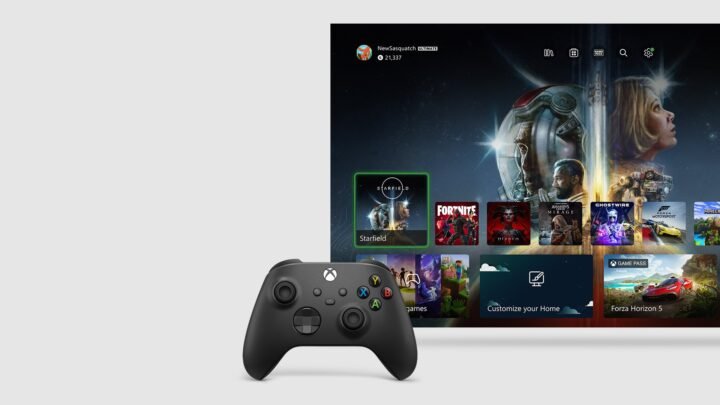
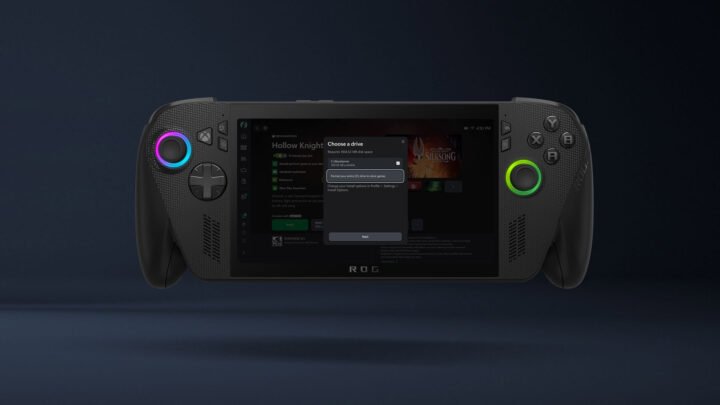
Keep your ROG Xbox Ally or ROG Xbox Ally X up to date through Armoury Crate SE and Windows Update, and reset it to factory settings.
Author
Duncan Baxter runs Cloudy with Games and its YouTube channel from the UK. He covers Xbox news, what's joining and leaving Game Pass, Play Anywhere & Cloud support, and which games are actually worth your time. The Xbox 360 got him back into gaming, and he's been happily losing evenings to cosy games and Assassin's Creed ever since. Find him on YouTube and X at @cloudywithgames.
479 stories
Keep your ROG Xbox Ally or ROG Xbox Ally X up to date through Armoury Crate SE and Windows Update, and reset it to factory settings.
Seeing 0x803F8001 and 'Do you own this game or app?' on Xbox or PC? Here's what it means and how to fix it.
Achievement not popping or Gamerscore not updating? Here's what 'Done! Unlocking' means and the official fixes to try on Xbox.
Reset your Xbox to factory defaults without uninstalling your games, what the reset options do, and how to reset with a USB drive.
Xbox has no 'clear cache' button. Here's how to fully restart or power cycle your console, and clear Blu-ray persistent storage.
What moves automatically from Xbox One to Xbox Series X|S, how saves follow you, and how to copy games by network transfer or USB drive.
Link your Discord and Xbox accounts from your console, the Xbox app or Discord, then join voice channels and stream from Xbox.
Official fixes for Xbox Cloud Gaming lag, black screens and controllers that won't connect or respond, on Windows PC, browser, console and mobile.
Football Manager 27 launches on 10 November with Game Pass on the Xbox PC app and console, plus a Launch Preview from 29 October. Here's everything we know.
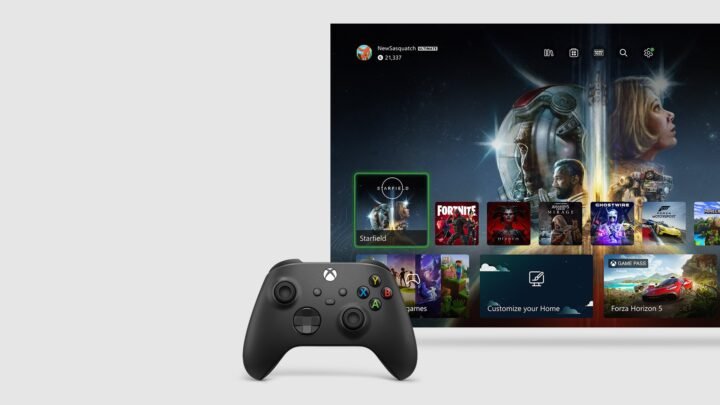
How to update your Xbox Series X|S or Xbox One: check for updates manually, turn on automatic updates, use a USB offline update and fix a failed update.