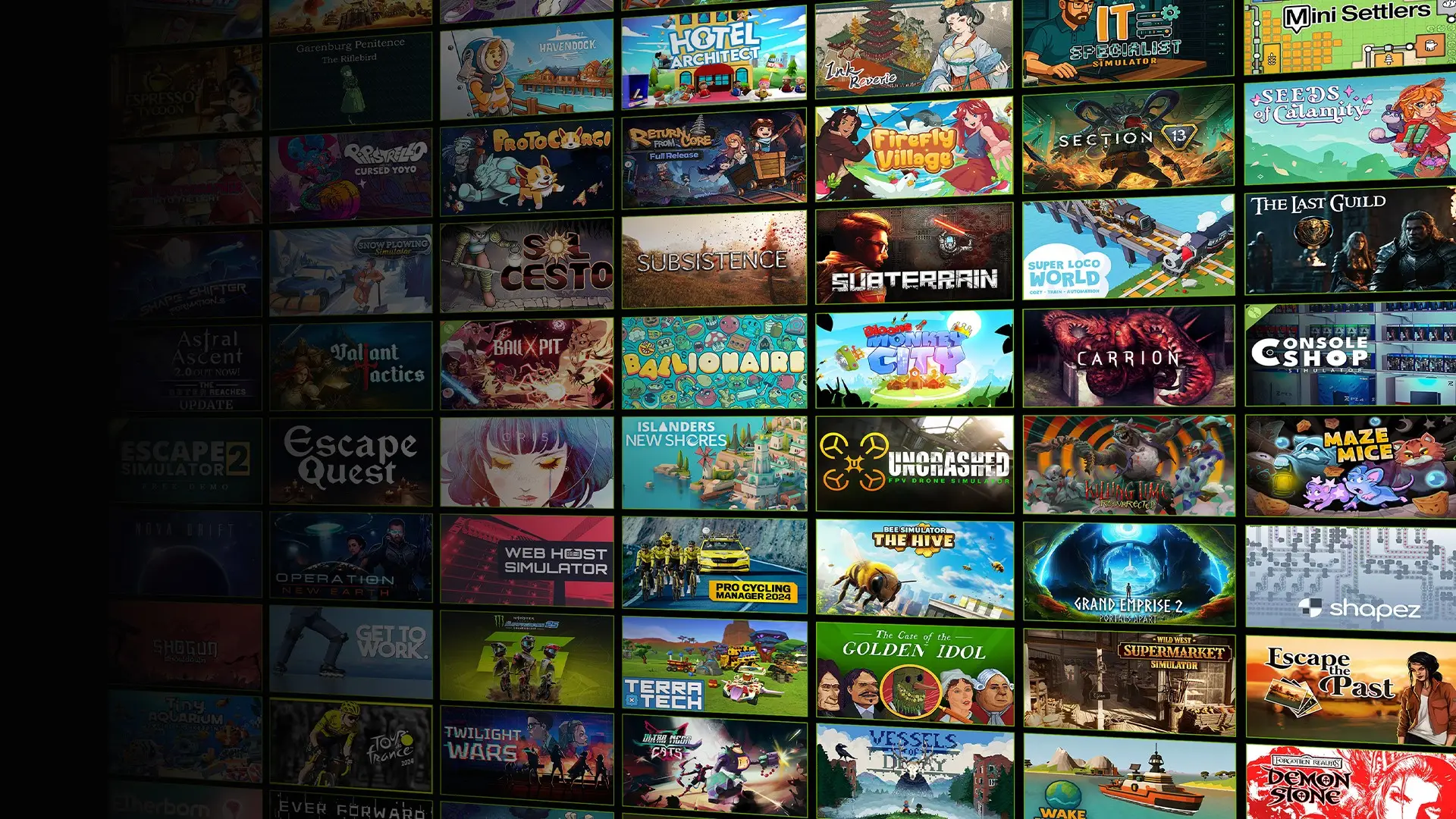
If you use GeForce NOW regularly, you’ve probably noticed that games don’t always stay in one category forever. A title that was Ready to Play last month might now show as Install to Play, and another might suddenly move the other way. It can look confusing at first, but there’s nothing unusual or worrying about it. These shifts are simply part of how NVIDIA manages such a large library while keeping the service fast and responsive for the games people launch most often.
How NVIDIA Decides What Goes Where
The biggest factor is how many players are actually opening a game. When a title becomes more active—maybe it gets a patch, a sale or a sudden burst of attention—NVIDIA will often move it into Ready to Play so it launches instantly for everyone. If the activity drops off again, it makes sense to move it back to Install to Play, where the game only installs when someone wants to play it. This way, the servers stay focused on the games that genuinely need to be kept preinstalled and updated at all times.
Ready to Play is a limited resource, because every title in that category takes up space and maintenance across the server fleet. NVIDIA reserves that space for games people are consistently playing. Keeping thousands of games permanently ready just isn’t realistic, so Install to Play exists as the flexible option that allows the full catalogue to remain available without putting unnecessary strain on the system. Many older, niche or regularly discounted games naturally sit in this category because they don’t have a steady enough player base to justify being kept live at all times.
What It Means for Players
Another thing that influences movement is how often a game updates. Some titles patch constantly, and keeping a rapidly changing build preinstalled everywhere can create more work and more downtime. In those cases, Install to Play makes more sense, because the game can simply install the newest version when a player actually launches it. It’s a cleaner workflow and avoids potential mismatch issues.
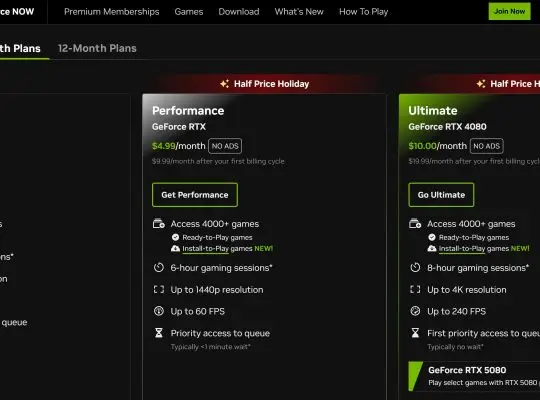
None of this changes how the game plays. Once you’re in, Ready to Play and Install to Play behave the same. The only real difference is whether there’s an installation step before your first session. The one important detail is that Install to Play requires a paid membership—Priority or Ultimate—so free users can’t launch those titles at all. That’s worth keeping in mind if a game you used to play has moved categories.
A game shifting between the two isn’t an upgrade or a downgrade. It’s just the system adjusting to how people are actually using the service. A popular game gets instant access. A quieter game installs on demand. And either one can change again depending on what players are doing. It’s an ongoing balancing act rather than a judgement on the game itself.